Vape Scape
A downloadable maze-game for Windows
Vape Scape (Beta)
Can your vape guide you through the darkness... before it dies?
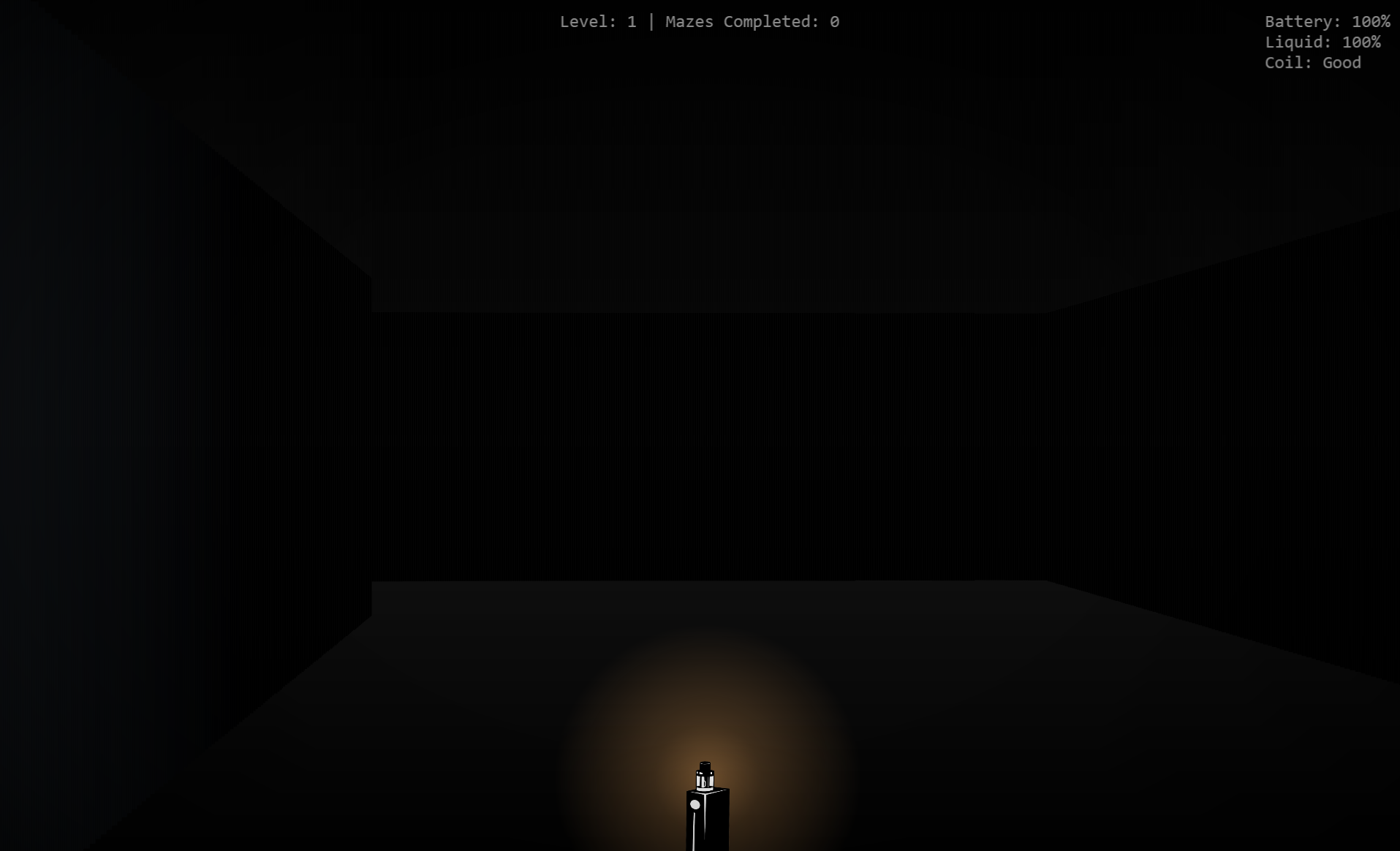
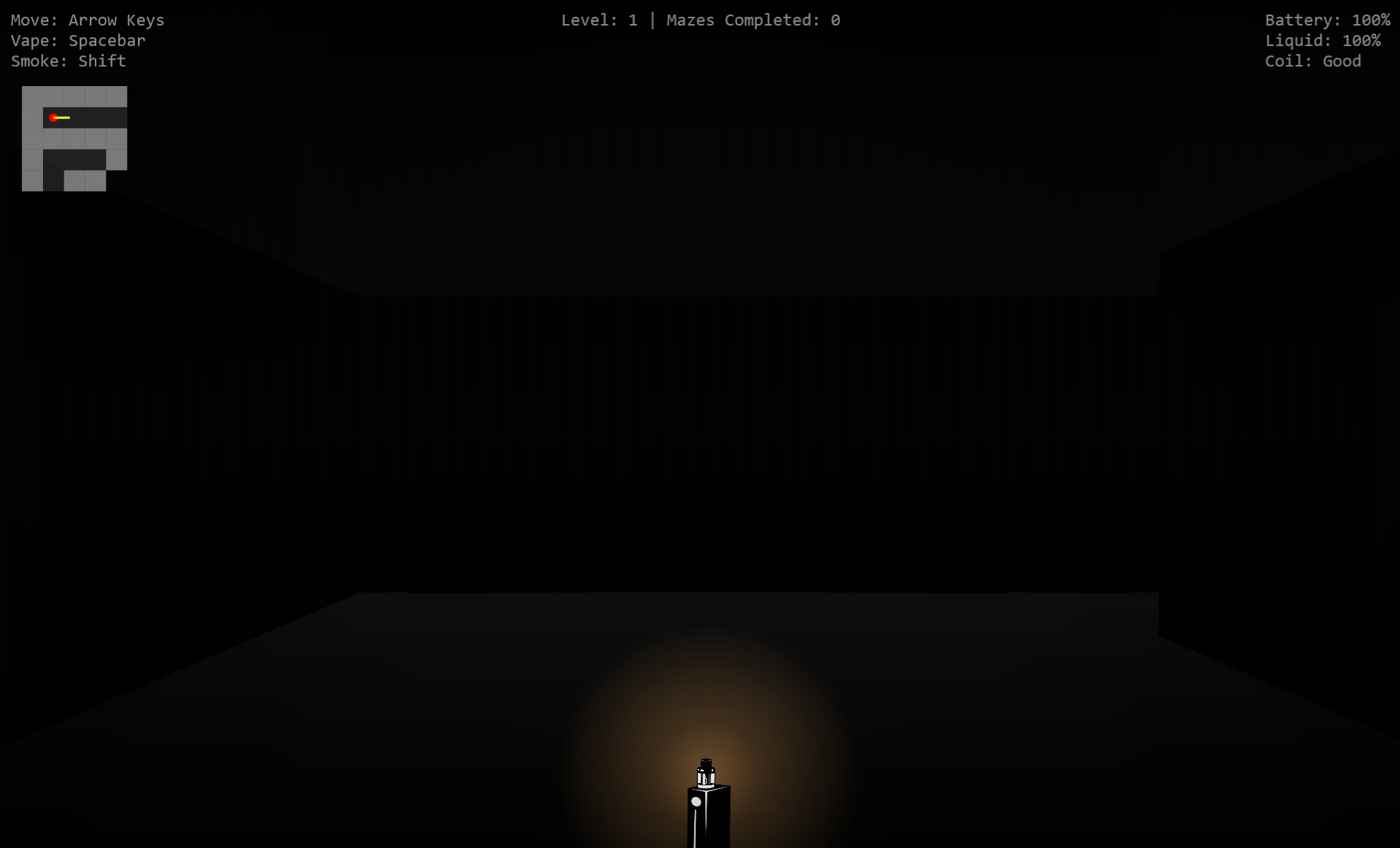
Vape Scape is a first-person atmospheric maze survival game built with a custom raycasting engine in WPF/.NET. Trapped inside an endless series of procedurally generated labyrinths, you must navigate through darkness, dense fog, and disorienting corridors while relying on a single vape device as your only source of light and survival.
Each maze grows larger and more challenging as you progress. Your vape isn't just illumination—its battery, liquid, and coil condition are limited resources that must be managed carefully. Every puff provides temporary visibility, but excessive use can leave you stranded in the dark.
Release smoke clouds to create temporary visual cover, uncover sections of the maze with limited-use map charges, and search for the glowing exit hidden somewhere within each level. Reach higher levels, preserve your resources, and earn a place in the Hall of Vapors leaderboard.
Features
- Procedurally generated mazes
- Custom first-person raycasting engine
- Dynamic fog and volumetric smoke effects
- Resource-based survival mechanics
- Vape-powered light system
- Smoke cloud deployment
- Unlockable map charges
- Progressive difficulty scaling
- Persistent leaderboard system
- Atmospheric dark-horror aesthetic
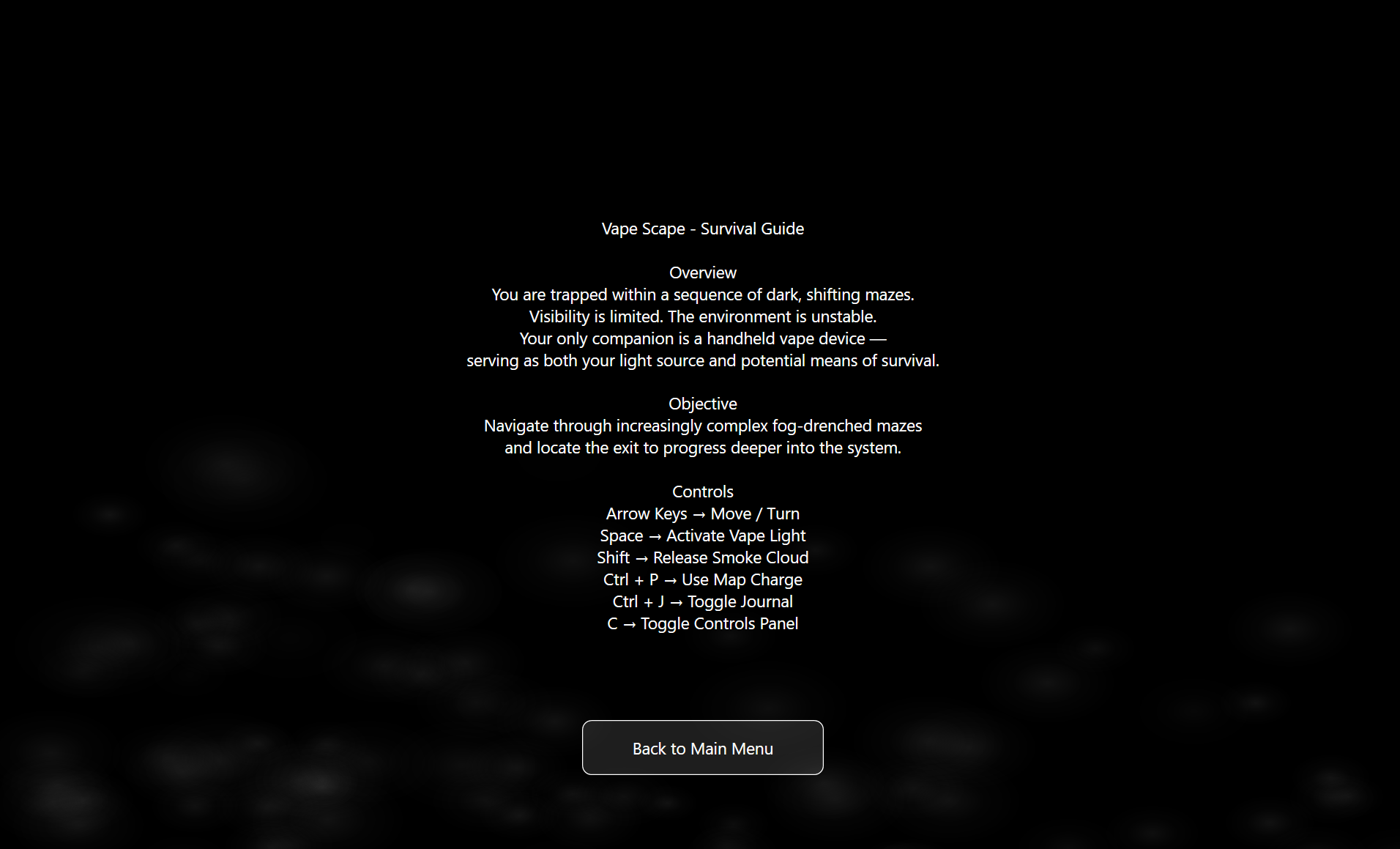
Controls
- Arrow Keys — Move and turn
- Spacebar — Activate vape light
- Shift — Release smoke cloud
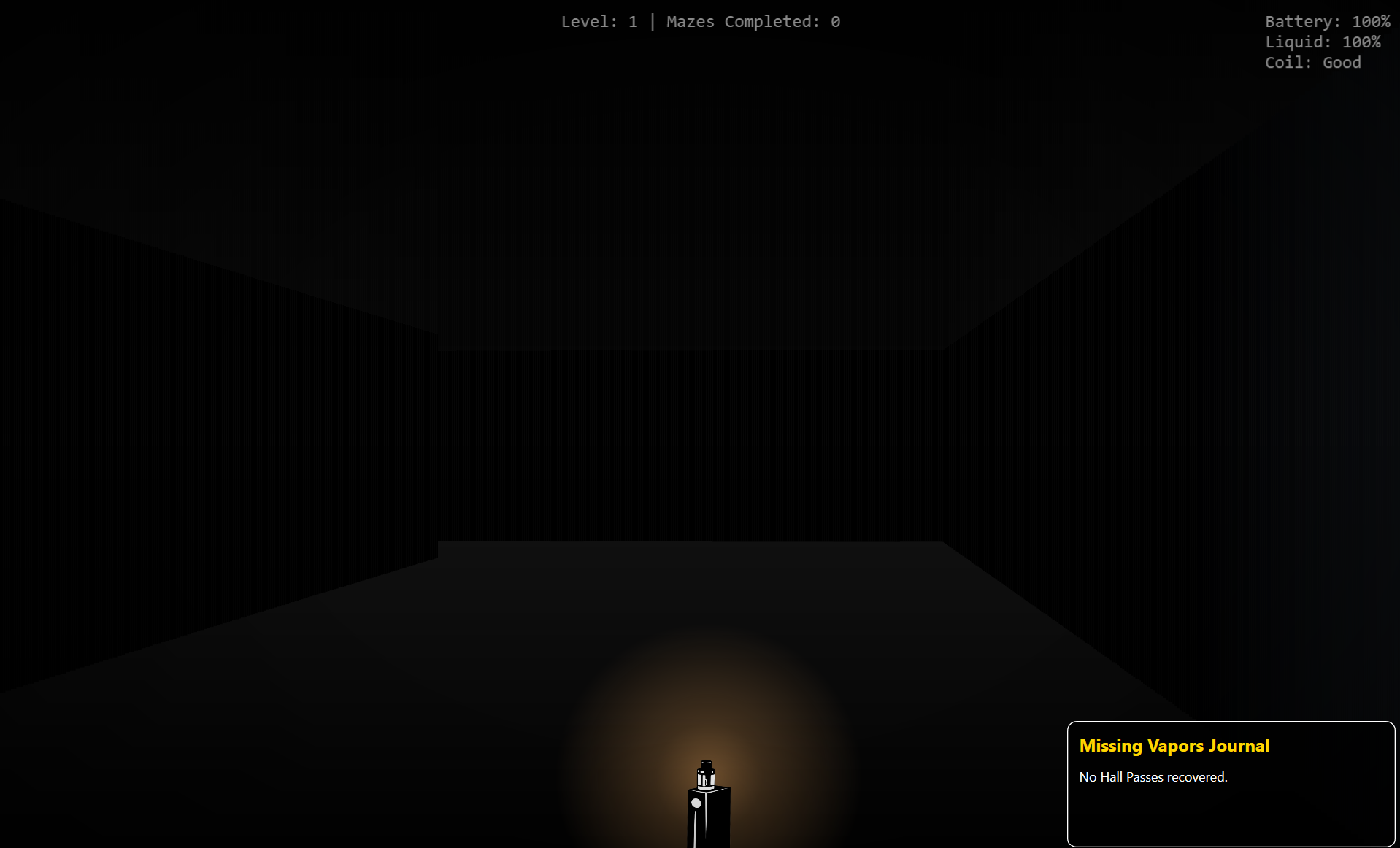
- Ctrl + J → Toggle Journal
- Ctrl + P — Use a map charge
- C — Toggle Controls Panel
Objective
Survive increasingly difficult mazes, conserve your vape resources, locate the exit, and climb as far as possible through the endless maze system.
How deep into the fog can you go before your light burns out?
Download
Install instructions
Download & Install Instructions (Windows)
- Click the Download button on this page
- Download the file:
VapeScape.zip - Once downloaded, right-click the ZIP file and select:
Extract All… - Choose a location (Desktop is recommended) and click Extract
- Open the extracted folder
- Double-click:
VapeScape.exe
Windows Security Warning (if it appears)
If Windows shows a warning:
- Click More info
- Then click Run anyway
This happens because the game is not digitally signed (normal for indie games).
Save Data
Your progress and leaderboard data are saved locally in the same folder as the game:
-
leaderboard.json
Do not delete this file if you want to keep scores.
Requirements
- Windows 10/11 (64-bit)
- No need to install .NET or anything extra
Tip
For best performance, keep all files in the same folder after extracting. Do not run the EXE directly from inside the ZIP.


Leave a comment
Log in with itch.io to leave a comment.